Windows
Windows 10/11 · x64
This device does not appear to be x64. The installer for this platform is x64 only.
Download .exe46.9 MiBThe install takes a few minutes. The rest of the first session goes to connecting execution you already pay for, making one shot, and sending it somewhere an editor can open.
Your detected platform is highlighted in fox orange. Every other option remains available.
Choose Windows, macOS, or Linux.
Windows 10/11 · x64
This device does not appear to be x64. The installer for this platform is x64 only.
Download .exe46.9 MiBmacOS 12+ · ARM64 / x64
Linux · x86_64
This device does not appear to be x64. The installer for this platform is x64 only.
It boots without any generation credentials at all — install it, look around, and connect execution when you want to run something. There are three ways to do that, and they are not exclusive.
Nothing leaves the machine and there is no per-generation charge. It costs time instead: on an RTX 3080, MiniMax H3 at 864x480 for five seconds is about seven minutes.
9Miho stores the provider profile and the provider bills you directly. Seconds to minutes per shot, and the fast frontier models live here.
Point 9Miho at a ComfyUI endpoint you bring up when a run is queued and shut down when it is not. Local speed without leaving a card idle.
Model availability follows your provider account, region, entitlement, and configured endpoint. 9Miho does not silently substitute a different model when the one you asked for is unavailable.
Download the Desktop release for your platform. No source access, no GitHub sign-in, no toolchain.
Open the 9Miho card and choose Install. Desktop picks and verifies the platform bundle and keeps it current.
Add a provider profile, or point at a local or on-demand ComfyUI endpoint. This is the step that decides what a run costs you.
In Canvas: pin a reference, write a Direction, run it. The output registers as a revision of an asset the moment it exists, so the shot you approve stays the shot you approved.
In Cutting Room: colour-managed review, then an OTIO timeline with a 10-bit mezzanine and a per-clip CDL. That is the part the edit suite can open.
Available forWindows · macOS · LinuxChoose an installer by platform ↑
A released Kumiho Desktop installs the bundled runtime without access to the private source repository or a GitHub login.
A normal install does not require Python, Node, or package-manager setup.
Desktop checks 9Miho’s public release feed and only offers a version newer than the one installed.
An update replaces and restarts the runtime while preserving existing Projects, Assets, Data, and Logs by design.
Use supported ComfyUI-backed local or self-hosted model stacks, on-demand endpoints, and paid provider APIs through one typed production engine. Instead of rebuilding a low-level ComfyUI graph for every shot, choose the exact capability and Variant.
The support catalog in the current public release. Showcase credits name the model actually used for each reel.
Reuse a pinned image, video, or audio revision without a later “latest” result silently changing the authored graph.
Inspect the producing run, exact inputs, actual rendered prompt, selected tier, validated settings, and redacted production record.
The agent proposes character-state changes and scene direction; 9Miho checks story time, state handoff, and references before generation. The creator decides what enters canon and whether a paid run proceeds.
Each product has a clear production role. Assets keep their history, agents carry context forward, production workflows coordinate the work, and 9Miho turns it into images and video. These connections are being released progressively.
Stable identity, revisions, Artifacts, relationships, and provenance for production assets.
Working memory, consolidation, recall, and typed knowledge that can carry evolving story context forward. Story specialization is part of the ecosystem direction.
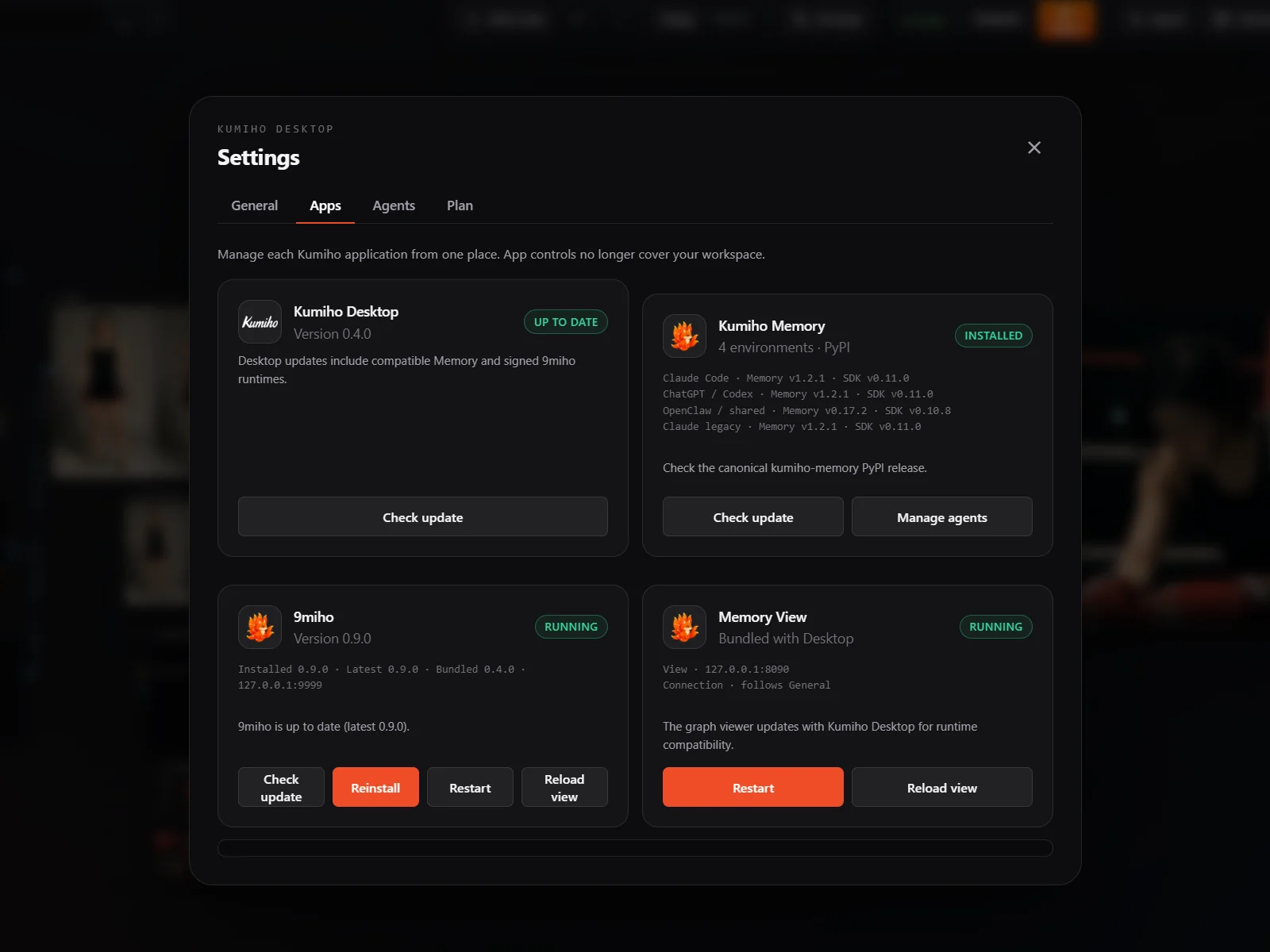
The native place to choose a Kumiho connection and install, launch, inspect, and update 9Miho.
An independent runtime for agents, teams, workflows, tools, approvals, and operating evidence. 9Miho integration is progressive.
The Canvas engine turns approved story context into media; Cutting Room edits and colour-grades the selected takes into an episode, then renders the final cut or hands it to a master suite.
Approved character state, the event that changed it, and the state the next Moment reads. It exchanges that story context with the rest of the graph.
ComfyUI can remain the execution backend for applicable local model families. 9Miho bundles no model weights. Actual availability depends on the configured endpoint, account, region, entitlement, and local hardware. Product names and marks belong to their respective owners.
The first shot can be luck. Production starts at the second one, and everything that makes the second one possible has to be in place before it exists.